Connect to your Mac from an iPhone
You can access Mytty on your Mac from an iPhone or iPad using the MyttyRemote iOS app.
Pair your iPhone
Set up the iOS connection on the Mac from Settings > Remote Access.
Work in a pane from your iPhone
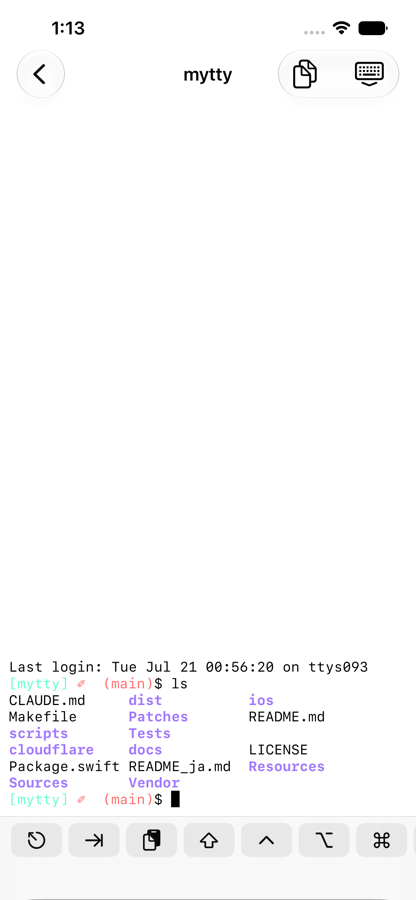
Once connected, the iOS app lets you browse tabs and panes.
Pane content stays in sync with the Mac. To copy what's on screen, use the button in the top right to open the current pane's content in a separate view.
Get Attention alerts as push notifications
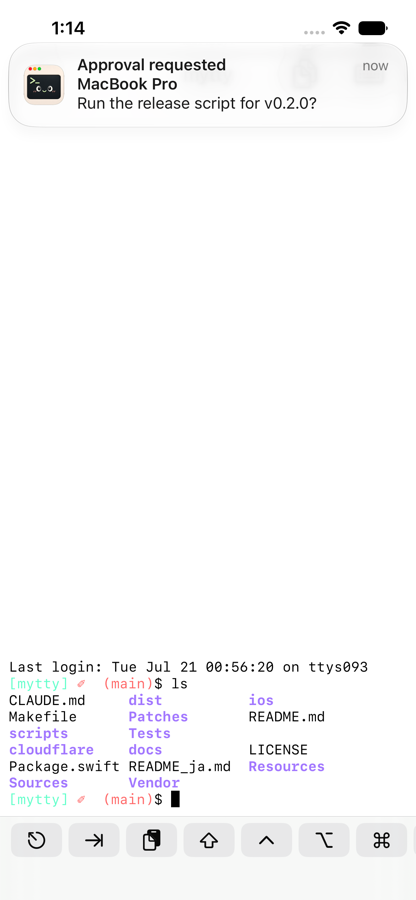
Once paired, Attention items also reach your iPhone through Apple Push Notification service. No notification is sent when Mytty is frontmost and the pane that raised it is the active one.
The relay carrying these pushes is a Cloudflare Worker (cloudflare/push-relay). If you build and run the iOS app yourself, you must self-host this worker under your own Apple Developer team. See cloudflare/push-relay/README.md for how to do that.