Mytty
New here? Start with the tutorials.
Overview
Mytty is an Apple Silicon-only, macOS-native terminal built for AI-assisted development. It uses libghostty for Metal-accelerated terminal rendering, and AppKit, SwiftUI, and WebKit for the surrounding UI. The terminal stays the main focus: Mytty adds tabs, panes, agent status, an Attention Inbox, and other workflow tools without introducing a separate management concept like a workspace.
It supports Codex, Claude Code, OpenCode, Antigravity (including the standalone Gemini CLI), and Cursor. Each integration sends structured events to a pane-scoped Unix socket, so Mytty can associate the requesting pane with the agent's state without parsing terminal output meant for humans.
The current release supports macOS 15 or later on Apple Silicon.
Features
- Ghostty terminal engine: libghostty rendering, native IME, and configurable themes, fonts, cursor, opacity, and appearance.
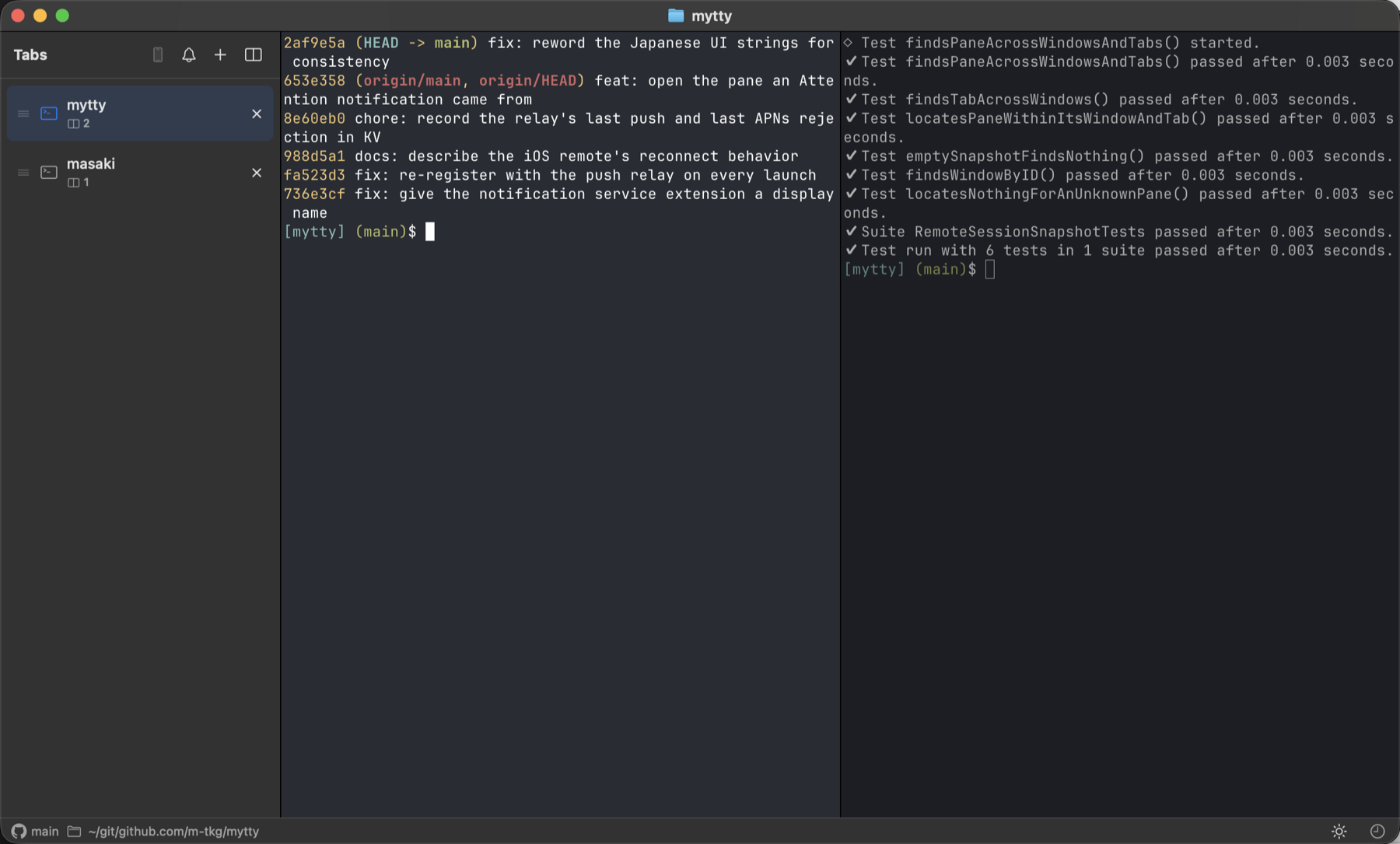
- Tabs and panes: splits in four directions, drag-to-reorder with a drop-position indicator, pane zoom, equalized layouts, and an all-panes switcher. In a split tab, the active pane is outlined (configurable color and width) in addition to dimming the inactive side. Tabs are numbered in the sidebar, and Command-1 through Command-9 jump straight to one. New tabs can open at the end of the list or right after the current tab (Settings).
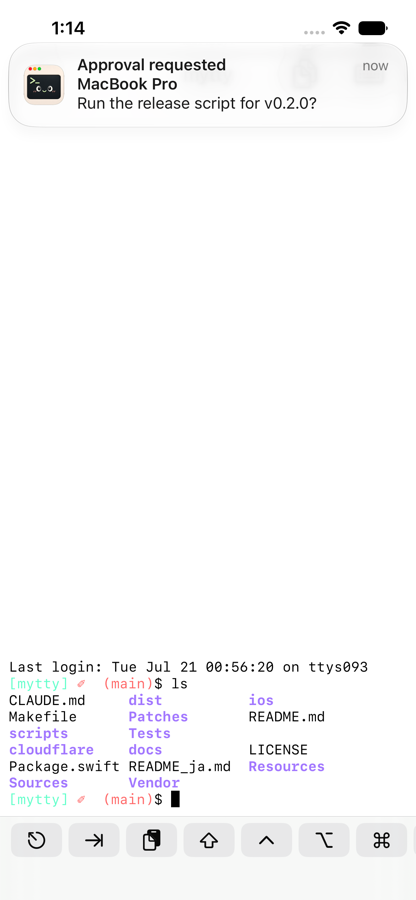
- Agent status and Attention Inbox: the active agent, session cost, quota meters, and an inbox that collects approval, input, completion, and failure events with a jump straight to the pane that raised them.
- AI control (
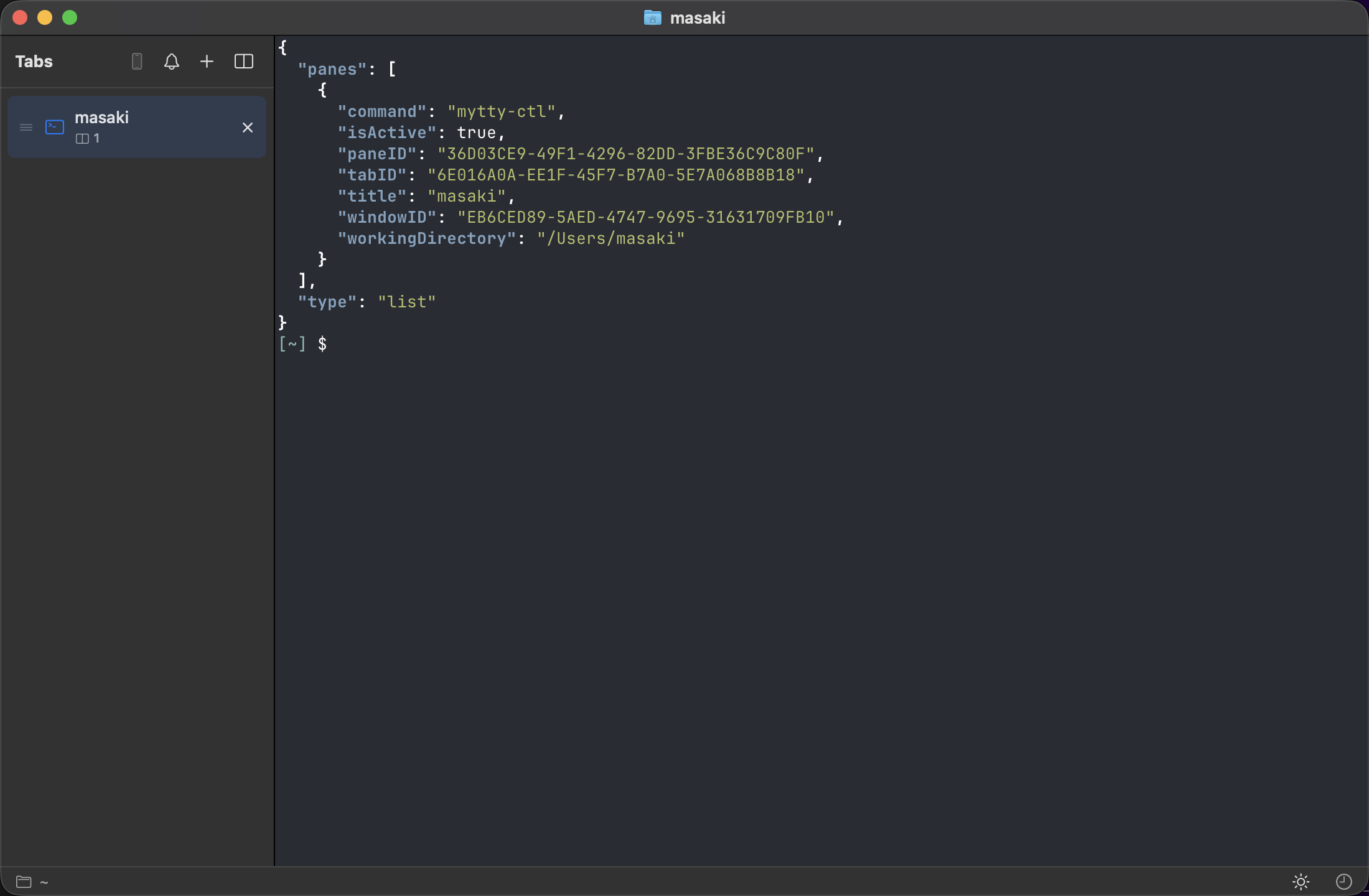
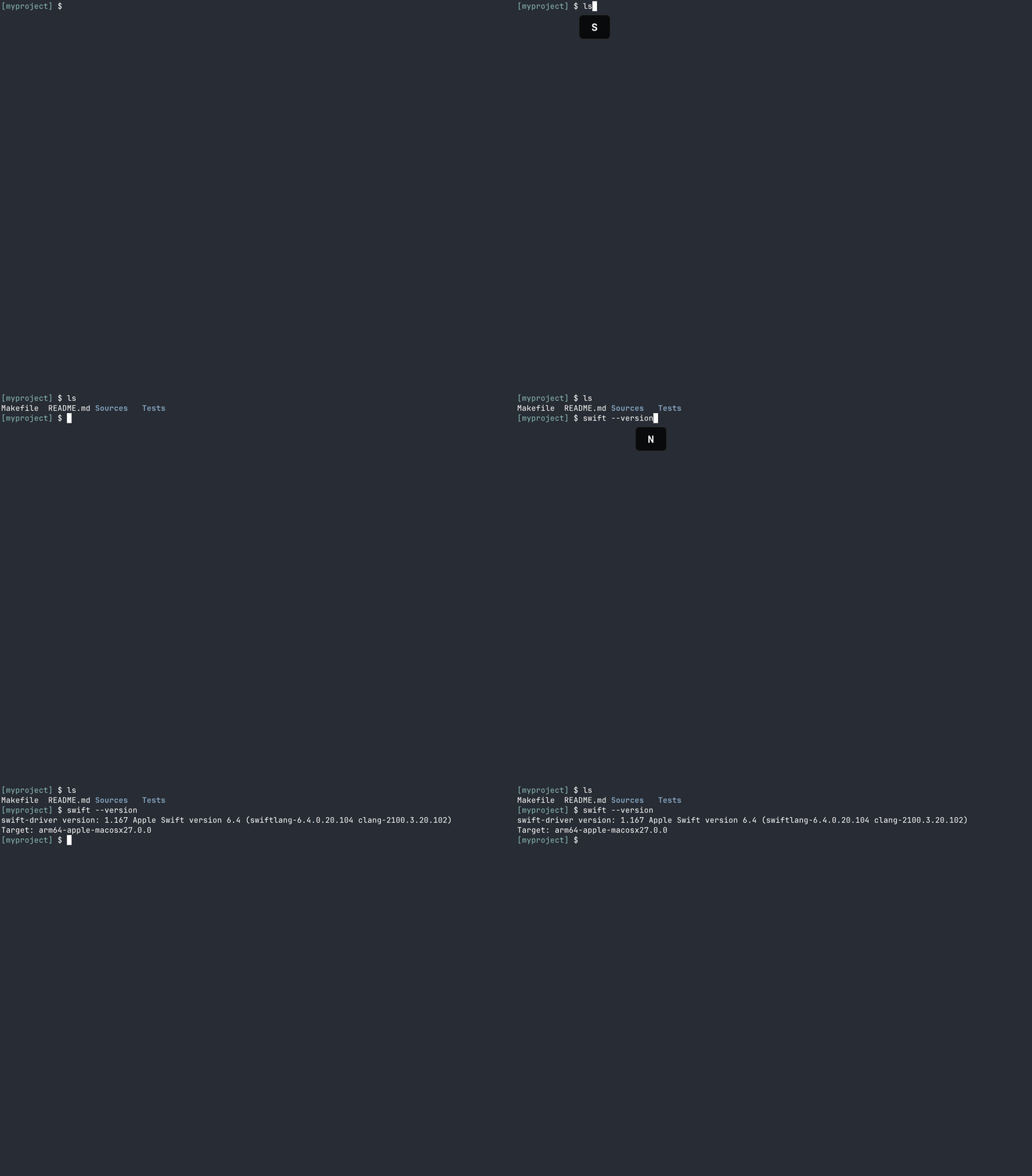
mytty-ctl): a local CLI usable from any pane with no setup. Agents can open panes, operate them, and read back the results, so a team of subagents runs as ordinary, visible panes instead of a hidden background process. Runmytty-ctl guidefor the full playbook -- it works the same from any project, not just this one. Mytty can also teach Claude Code and Codex to discover it on their own (a Settings toggle, on by default) by writing a short pointer into each provider's global configuration. - Session restoration, local autocomplete, a built-in browser, GIF recording, and an iOS remote app with APNs push for Attention items.
See the documentation for everything else: tutorials, how-to guides, reference pages, and the design rationale behind each part.
Screenshots
Tabs and panes
AI control with mytty-ctl
GIF recording
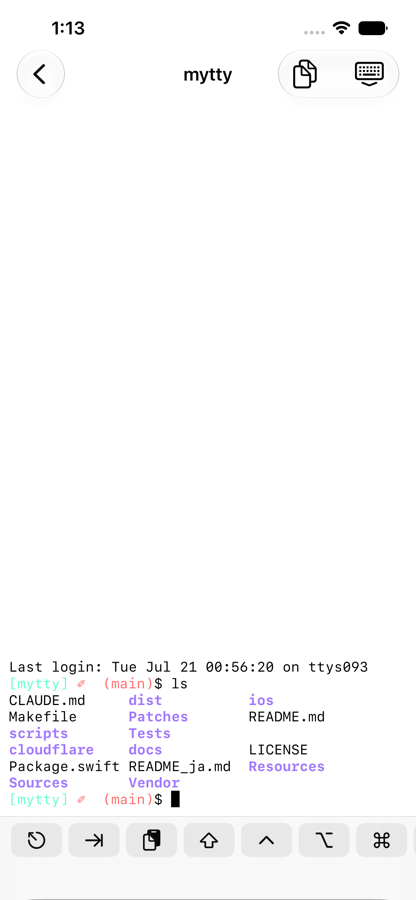
iOS remote
Documentation
Full documentation lives under docs/, split into four sections:
- Tutorials: learn by doing
- How-to guides: steps for a specific task
- Reference: exact settings, commands, and protocols
- Explanation: why things work this way
Build
See Build the macOS app from source for prerequisites, libghostty setup, tests, and application bundling, and Release a version for the tag-based release flow.
git submodule update --init --recursive
scripts/build-ghostty.sh
swift test
swift run Mytty
License
MIT